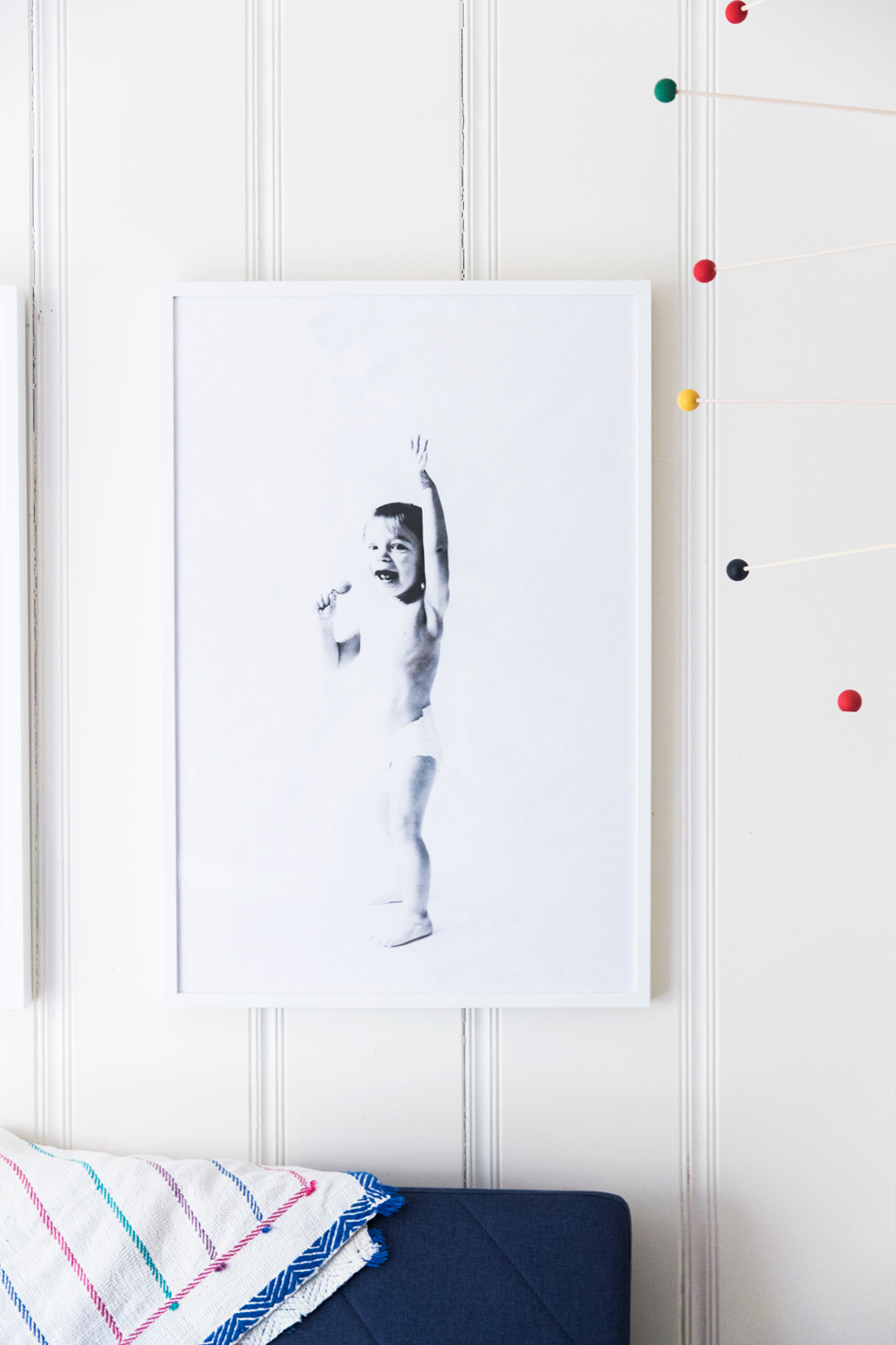
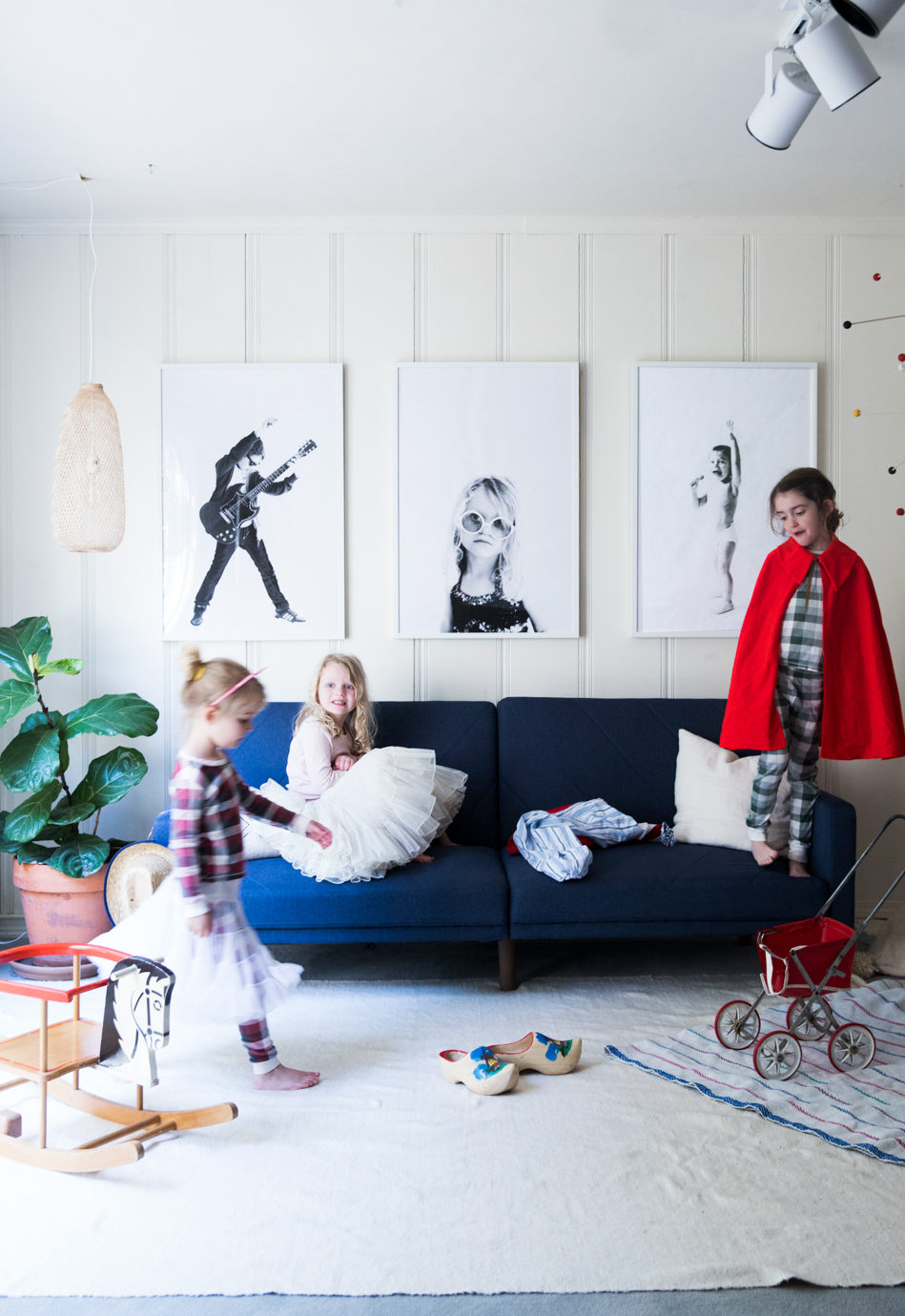
I’ve been meaning to make these oversized portraits of our kids for months now, and finally got around to it last month when I was taking a bit of a content break from Say Yes. I’m so happy with how they turned out (and the cost can’t be beat!)
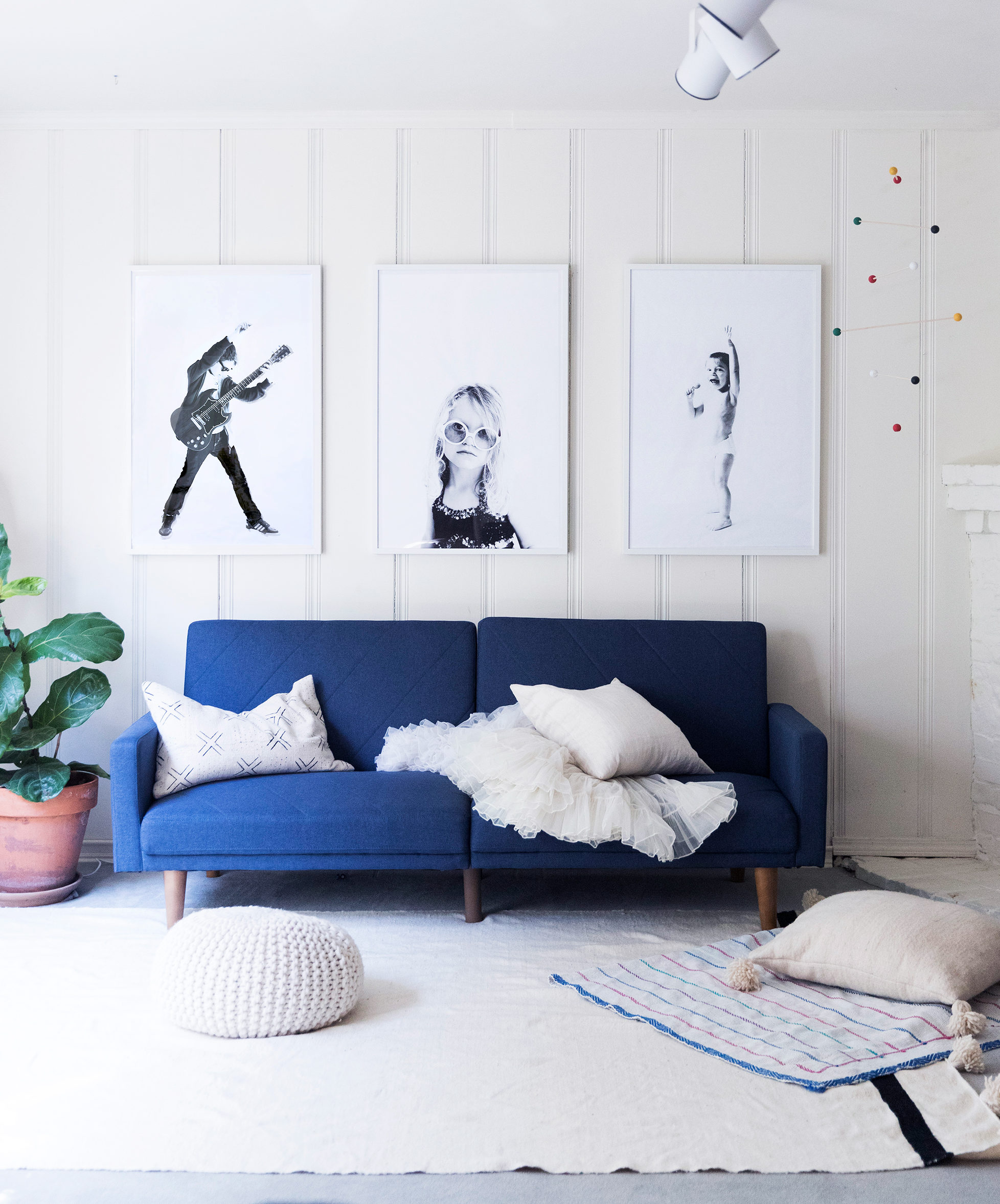
How To Make $4 Oversized Portraits
I really wanted the kids to art direct their own portraits. They picked out a costume and/or object to be photographed with. You pick the outfit, I pick the photo to be printed, deal?
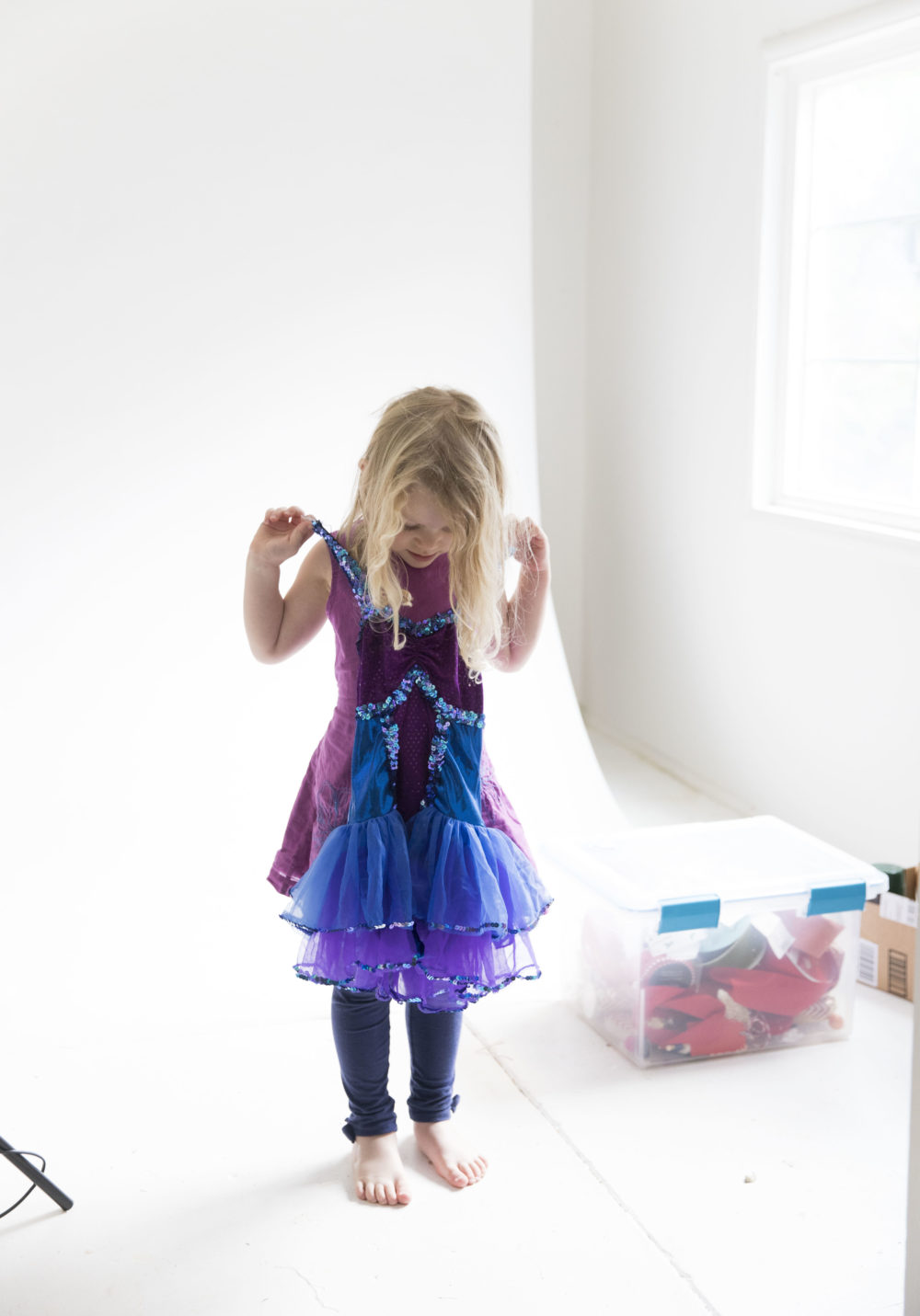
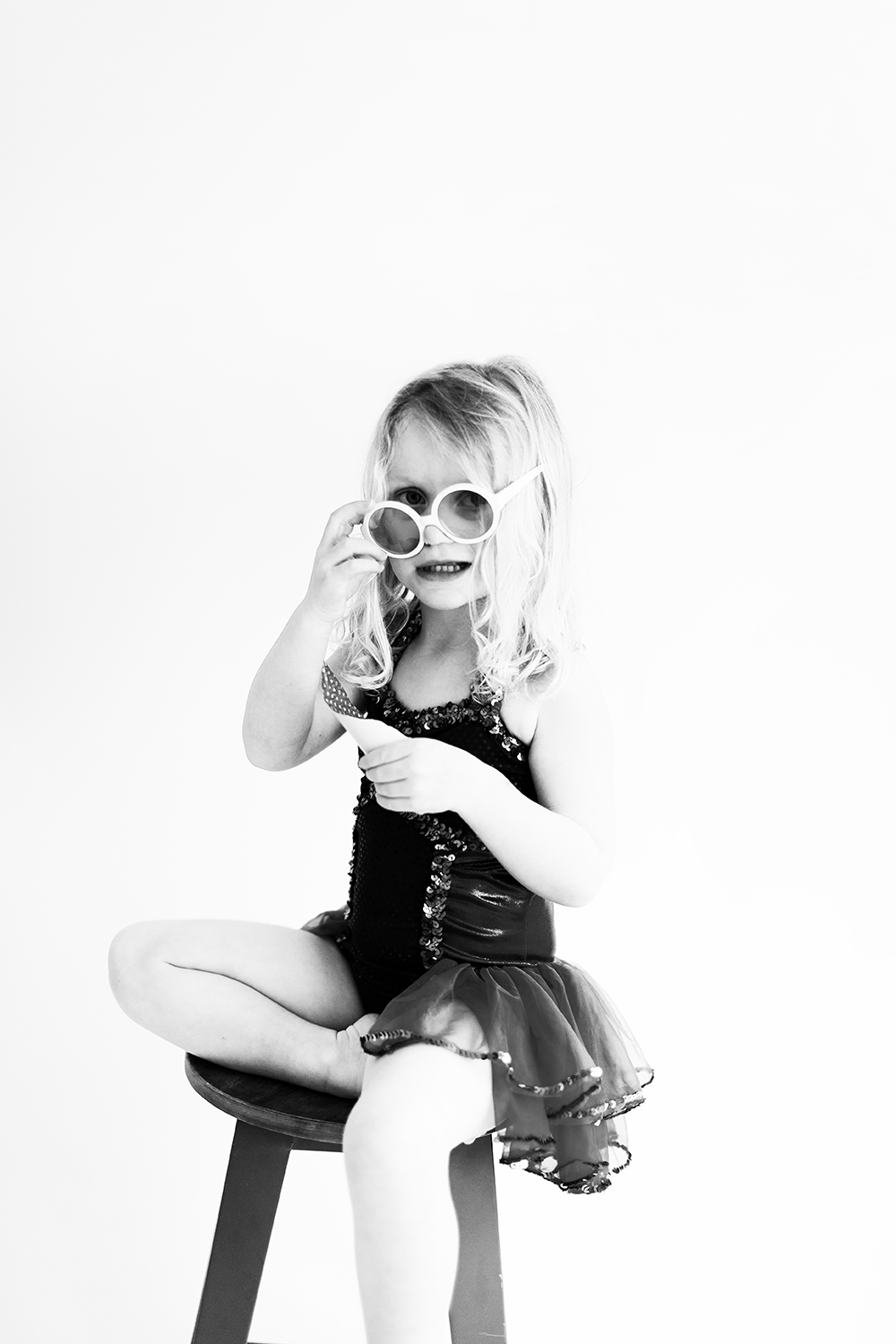
Edie was so excited about it and immediately picked this frilly dance leotard her neighbor had given her, and some sunglasses.
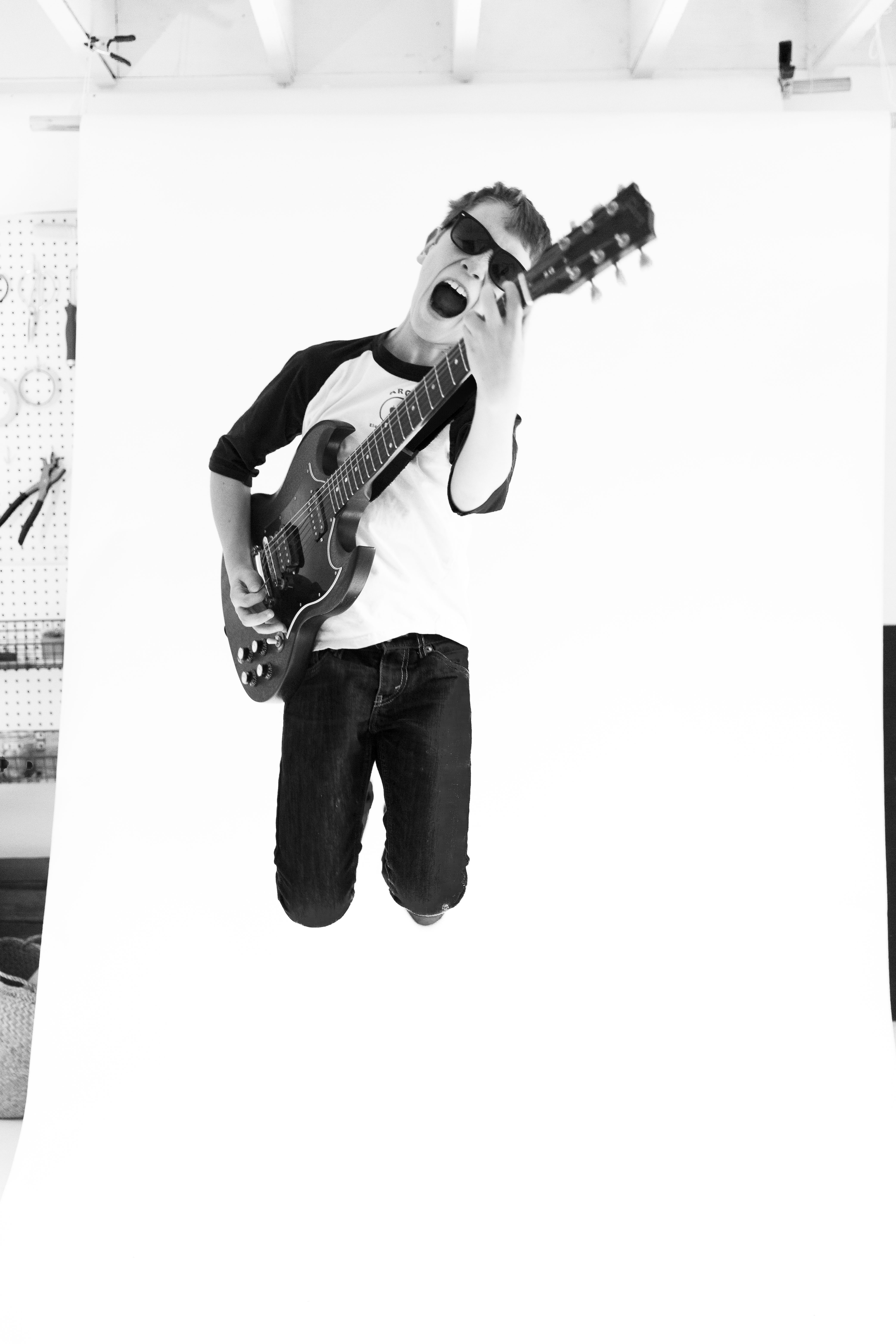
This was a couple weeks before Henry’s guitar concert where he was performing a Nirvana song, so naturally he picked his electric guitar and sunglasses. He had some sweet moves! We ended up printing this one for his room as well.
Dot didn’t want to wear any costumes, so we gave her some toys and a lollipop. And of course, she was totally cool with that.
A note about shooting. Obviously you might not have a studio like this or a nice blank white wall, but all you need is a room that gets nice natural light. Pick up a large foam core board at your local office supply shop (get the biggest size you can fit in your car). Stand it up against a chair or something you can balance it up on like the back of a couch next to the window. Now you’ve got your nice white background. Use the best camera you’ve got, for many it may be your phone- that’s fine! If you have the new iPhone 8 or above, use the portrait mode for a shallow depth of field.
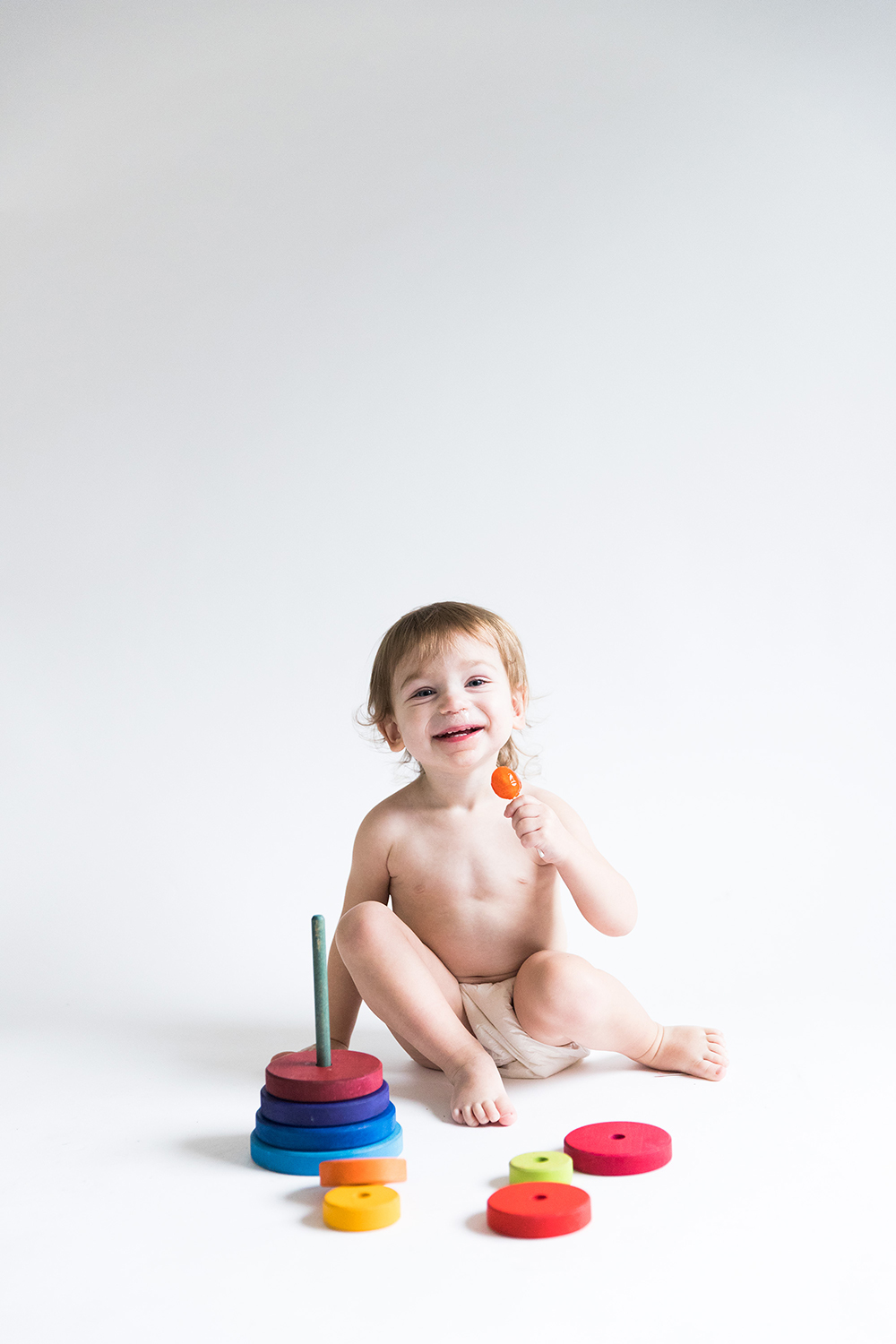
When I was looking at the images afterwards, I didn’t realize how I inadvertently created rocker portraits. Henry’s, of course was obviously such. But Edie ended up reminding me of Kurt Cobain in his iconic white glasses, and the image of Dot looked like she was singing into her microphone lollipop. Perfect! A theme! Always a plus for a series of portraits.
Editing. As for editing, we took the contrast up way high to have that kind of blown out, high key look. I know we’re missing details on Dot, but I’m still liking how stark they turned out and the focus on shapes and lines. This image of Angelina Jolie was one of my inspirations. Also, be sure to bring them together, or batch edit them in whatever program you’re using to be sure the white balance is the same for each and the contrast looks the same as well. If you take them all at once just do a batch edit and it should be easy. I mocked up a few versions before I decided on these three in this arrangement (although I’m still loving this one of Edie!).
Also, a note from a reader if you don’t have photoshop or another photo program to resize,”Download a free PDF printer…and select your preferred sheet size (24×36). I use PDFill.”
You can probably do a lot of the editing on your phone if you don’t have a photo editing program, but many of them are free if you do a quick google search.
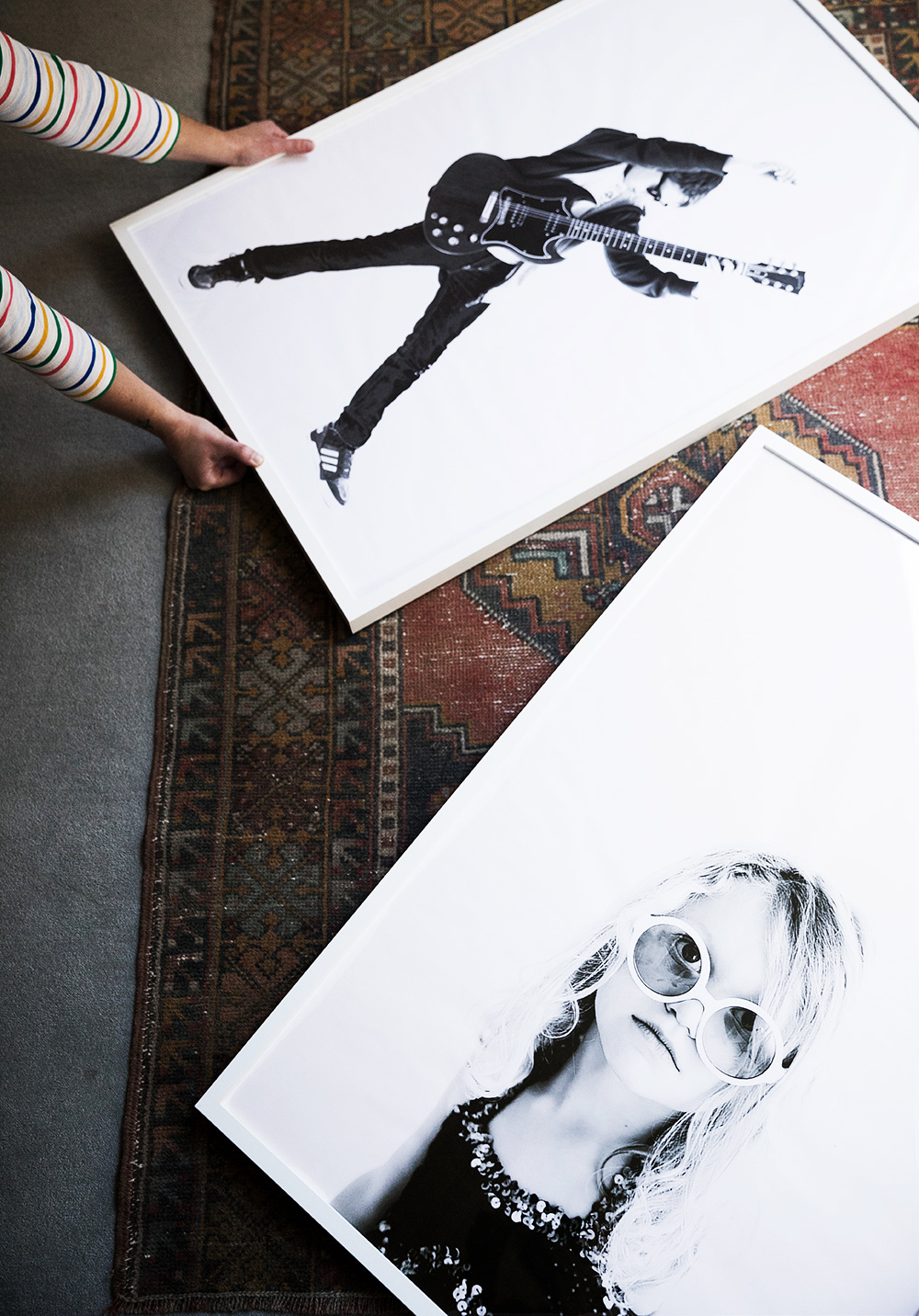
Printing + Framing. I knew I wanted to use the huge $19.99 IKEA frames that fit prints 24 x 36, so I made sure to size them accordingly when I edited and printed them. For printing we took them to our local print shop (I’ve use both FedEx/Kinkos and Staples) or if you’re wanting support your local small business, search for a Reprographics shop. You’ll be printing them 24 x 36 size as engineering prints on regular printer paper, which only cost us $3.80 each (crazy, right??). I also bought white poster boards to place behind them so none of the cardboard color of the frame backing showed through the thin paper.
A note about quality. These photos are not high quality, and aren’t really meant to be. The paper is very thin and can easily wrinkle, so be careful to smooth it out well as you frame it. I might end up printing them again as black and white posters which is higher quality paper (but significantly more- $30 I think per print).
I love how they turned out though! Such easy + inexpensive modern decor.